Corrugator&FlexoPrinterMachine1.0
Publisher Description
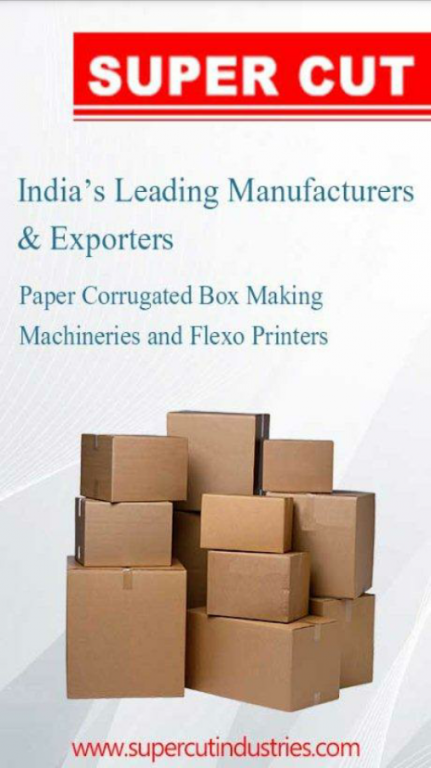
This App contains info.Paper Corrugated Box Making Machine,Flexo Printer Machine
Super Cut Industries is a professional manufacturer specialized in the production & development of corrugated paper Board Making Machinery and flexo printers. The desire for technological innovation has earned Super Cut a distinctive position in the field of corrugated box making machineries.
We specialise in auto corrugated board plants,Fingerless Corrugators,Flexo Printer Slotter diecutter, Diecut Punching,Combined rotary Creaser Slotter , FlapPasting , Slitter Scorrer ,NC Cut off and allied machines for manufacturing paper cartons.
This machines are used to produce paper cartons that are required to pack all the products e.g -electronics,Oil ,Metal,Food Industry,FMCG Products.Almost every material that is transported need packing and safest,cheapest and recyclable material is Paper.
This App have facility to check machine videos and Technical Details and also has feature to call for service for machines
About Corrugator&FlexoPrinterMachine
The company that develops Corrugator&FlexoPrinterMachine is SUPERCUT INDUSTRIES. The latest version released by its developer is 1.0.
To install Corrugator&FlexoPrinterMachine on your Android device, just click the green Continue To App button above to start the installation process. The app is listed on our website since 2015-08-21 and was downloaded 20 times. We have already checked if the download link is safe, however for your own protection we recommend that you scan the downloaded app with your antivirus. Your antivirus may detect the Corrugator&FlexoPrinterMachine as malware as malware if the download link to supercut.android.industries is broken.
How to install Corrugator&FlexoPrinterMachine on your Android device:
- Click on the Continue To App button on our website. This will redirect you to Google Play.
- Once the Corrugator&FlexoPrinterMachine is shown in the Google Play listing of your Android device, you can start its download and installation. Tap on the Install button located below the search bar and to the right of the app icon.
- A pop-up window with the permissions required by Corrugator&FlexoPrinterMachine will be shown. Click on Accept to continue the process.
- Corrugator&FlexoPrinterMachine will be downloaded onto your device, displaying a progress. Once the download completes, the installation will start and you'll get a notification after the installation is finished.
